Home & Garden
Simple, practical guides for home setup, maintenance planning, lighting, storage, energy awareness and everyday projects.
Explore Home & Garden
TechHomeTips helps you make practical decisions about your home, technology and workspace. We publish clear setup guides, troubleshooting checklists, planning tools and straightforward explanations designed for everyday users.
Whether you are improving Wi-Fi coverage, planning a more comfortable home office, organizing a garage workspace or choosing compatible smart-home devices, our goal is simple: help you understand the options before you spend time or money.

Simple, practical guides for home setup, maintenance planning, lighting, storage, energy awareness and everyday projects.
Explore Home & Garden
Learn how to improve home Wi-Fi, understand device compatibility, secure connected devices and build a reliable home-tech setup.
Explore Smart Home & Tech
Plan a more productive home office, organize equipment, improve device setup and create practical systems for small workspaces.
Explore Workspaces & Small Business
A smart home works best when you start with a clear plan. Learn how to identify your needs, check compatibility, protect your network and build a setup you can expand over time.
Read the Guide
Plan monitor distance from the desk depth you enter, plus mouse side. It is not a posture diagnosis.
Estimate a comfortable viewing-distance range based on your television size.
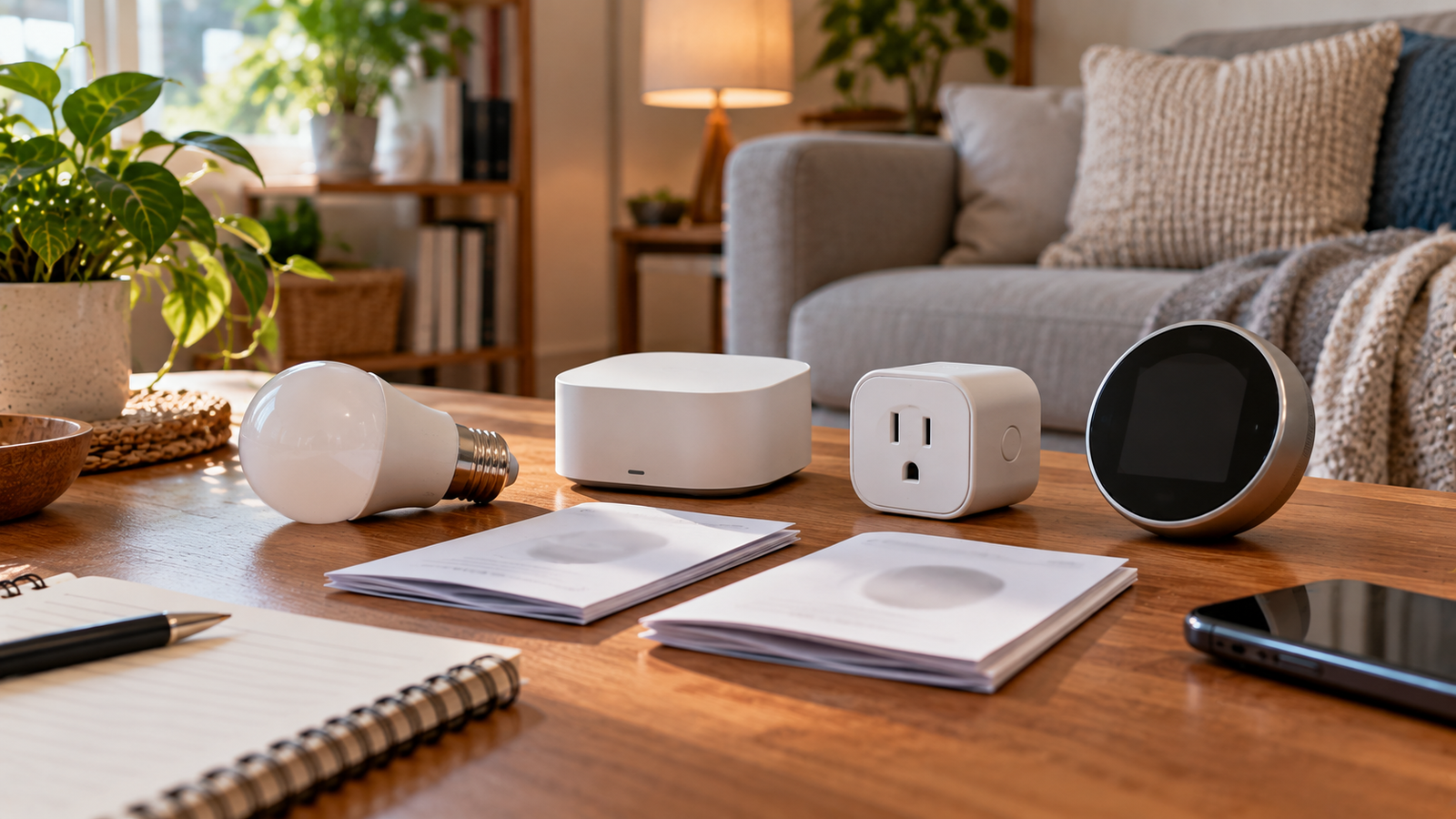
Review the basic questions to ask before connecting lights, speakers, thermostats, cameras or hubs.

Make a working Word copy of a text-based PDF for revisions, with clear expectations about layout changes and scanned pages.

Put JPEG photos, receipts, or document snapshots into a single page-based PDF in the order you choose.

Export PDF pages as familiar JPEG images for presentations, visual review, or systems that cannot accept a PDF.

Create a shareable PDF from a DOCX document while keeping the source Word file available for edits.

Try a conservative file-size reduction before emailing or uploading a PDF, and see the actual result instead of a promised percentage.

Bring separate PDF files together in a deliberate order without changing their page content.

Separate a long PDF into smaller files for sharing or focused review while keeping the original untouched.

Place new labels, notes, or short annotations over an existing PDF without changing its underlying text.
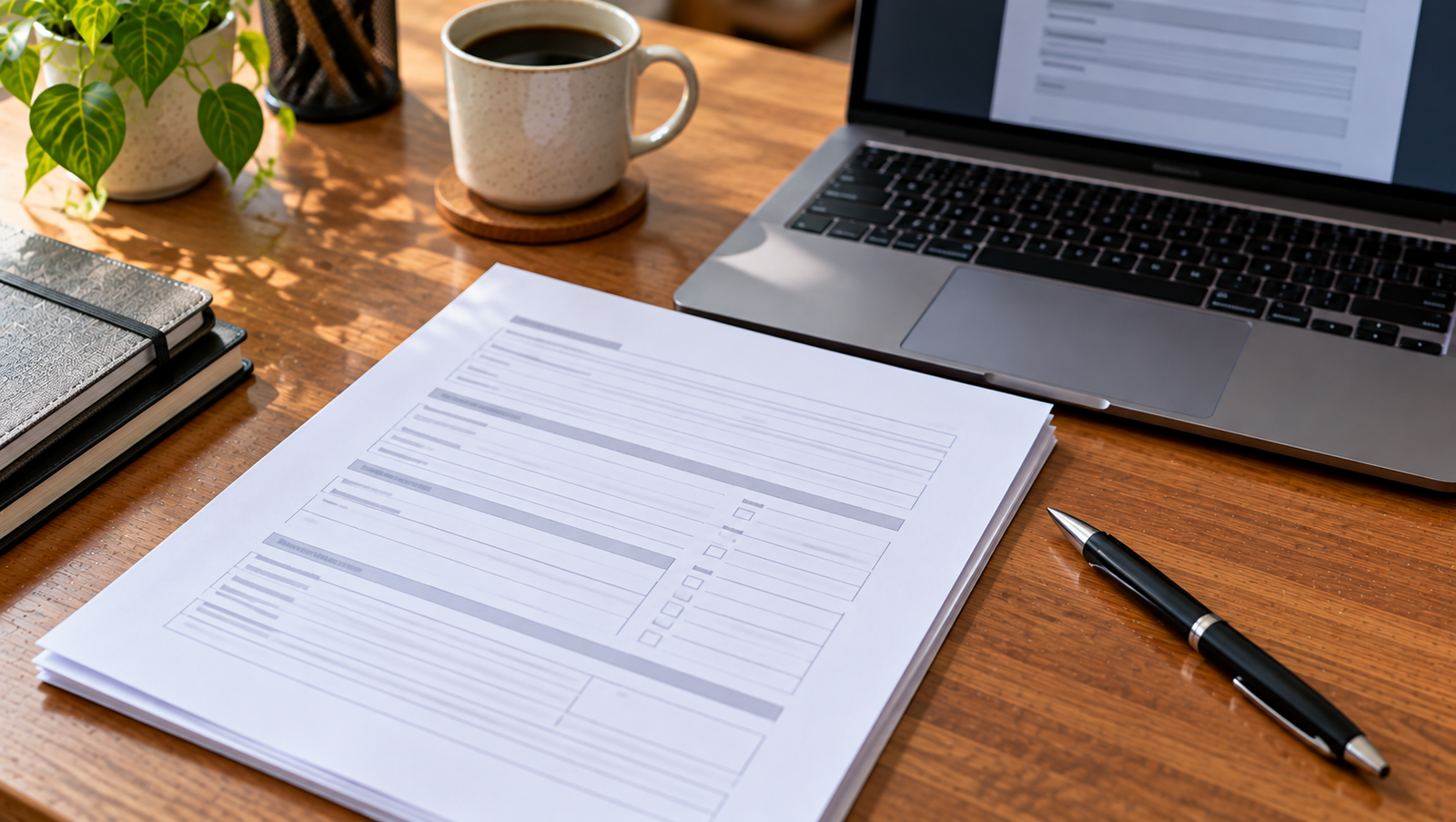
Enter answers into an existing interactive AcroForm instead of printing and handwriting each field.

Place a visible electronic signature on a document where a simple visual signing method is appropriate.

Check a PDF against a specific upload limit and see the smallest size the available compression passes achieve.

Turn screenshots, diagrams, or transparent PNG artwork into an ordered PDF for reading or printing.

Create lossless PNG snapshots of PDF pages when text edges, diagrams, or flat colors need an image format.

Make a shorter PDF by removing pages you do not need, without changing the original uploaded file.

Replace or delete text already drawn in a supported PDF while retaining its existing font, size, color, and page position.
Workspaces & Small Business
Choose business files, automate a separate backup and test a restore so a one-person operation can recover data.
Smart Home & Tech
Use a separate guest SSID with WPA2 or WPA3, a unique password and isolation checks supported by your router.
Home & Garden
Group garage items by use while preserving a clear house door, electrical access and rated shelving.
Home & Garden
Sketch the room, measure each section and calculate floor area before comparing cartons and layout allowance.
We focus on useful, readable guidance rather than hype. Our articles are written to explain what a tool, setup or option does, where it may fit, and what you should check before making a decision.
Where a guide includes technical specifications, energy estimates or compatibility details, we aim to link to primary documentation or clearly state the assumptions used. Information on TechHomeTips is educational and may not apply to every home, device or workspace.
Open the latest guides, or search for a task such as router placement, paint quantity, or a desk layout.